01The workspace ↗
Room for every kind of idea
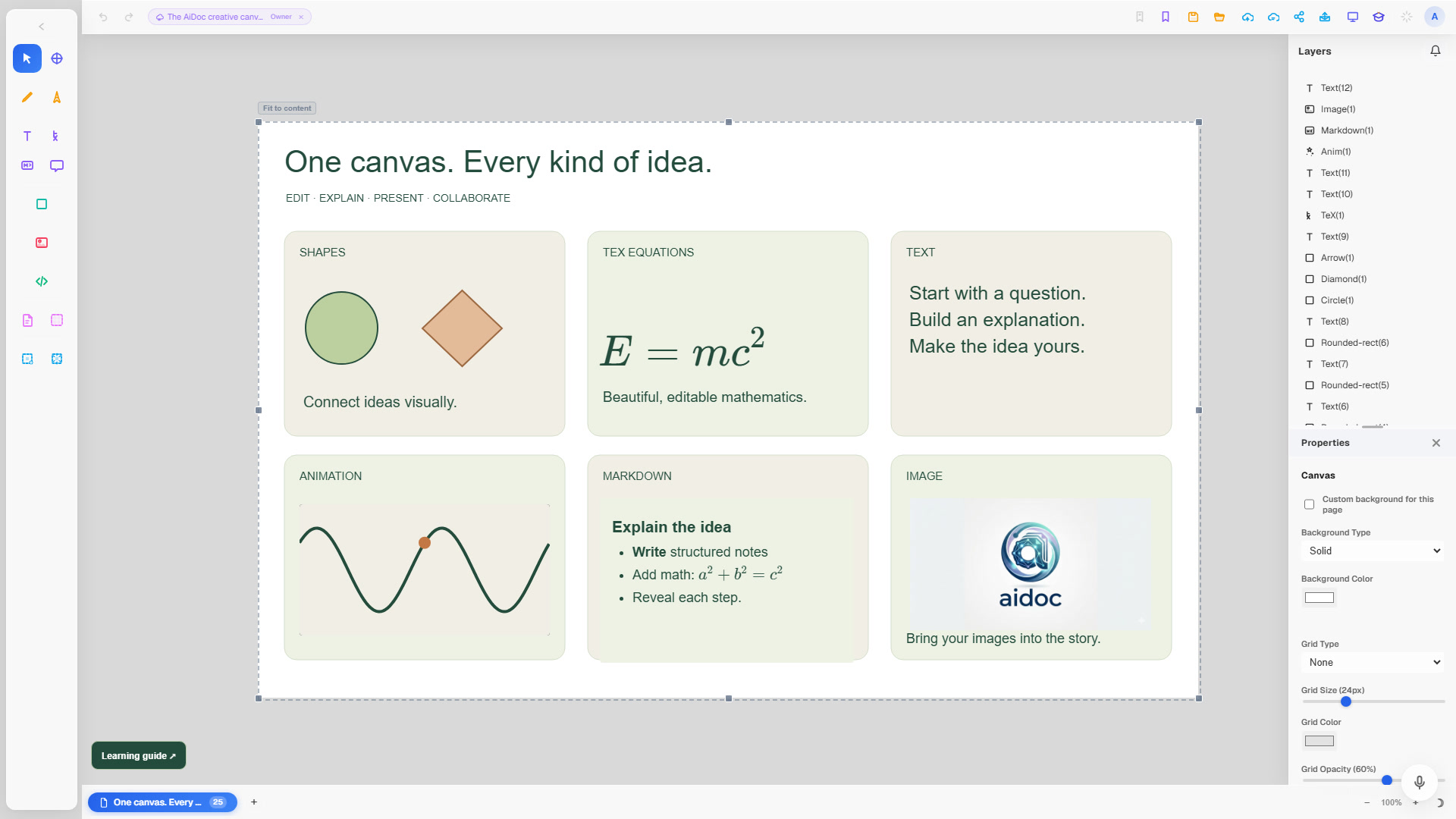
Write notes, sketch freely, and bring in images, PDFs, equations, tables, and code. Arrange everything on a visual canvas.
 AiDoc Canvas
Turn a reading into a visual lesson.
Explore PDFs, explain with your AI agent, and build diagrams you can edit.
Keep your source, explanation, and diagram together.
Make the result your own.
Write notes, sketch freely, and bring in images, PDFs, equations, tables, and code. Arrange everything on a visual canvas.
Share documents, choose who can view or edit, and work together in real time. Keep the conversation close with voice chat.
Organize your work into pages, switch to presentation mode, or export a PDF. Reuse your work with templates and saved artifacts.
Give your AI assistant a starting point: a prompt, selected elements, or a PDF. Ask it to explain, create, or refine, right where you’re working.
Create with AIConnect your own Codex, Claude Code, or Gemini CLI agent in Settings. A local connection and the provider’s access are required; provider costs are separate from AiDoc.
Use selected content or a PDF as context for an explanation or summary.
Create canvas elements, equations, and visual explanations from a prompt.
Ask AI to update supported elements, then keep editing them yourself.
Start with Free. Choose Pro for access to the full app.
For exploring ideas and trying a new way to work.
For people who want the complete creative toolkit.
Each submitted task counts as one AI request. Free requests reset at midnight UTC. AI provider access and costs are separate. Storage and file limits apply to both plans.
Free includes essential canvas tools and 5 AI requests per day with your connected agent. Daily limits reset at midnight UTC. Cloud collaboration requires Pro. Your storage allowance is shown in the app.
Pro costs $5 USD per month and unlocks every app feature, including cloud collaboration, with no daily AiDoc request cap. Subscribe through Stripe and manage or cancel your subscription from Plans & billing.
AiDoc sends your task and relevant context to your connected local AI agent. Connect Codex, Claude Code, or Gemini CLI from Settings → Local AI. Your provider credentials stay with the local CLI. Review AI output before relying on it.
No. AiDoc access and your AI provider’s access are separate. Both Free and Pro use your own connected agent, subject to your provider’s limits and pricing.
With Pro, share cloud documents with viewer or editor permissions and collaborate in real time. You can also present your work and export a PDF.